
How It Works
From setup to your first customer alert in under 5 minutes.
Here's what changes.
❌ The old way
❌ The old way
✓ The Dash Dolphin way
✓ Job won. Customer impressed. Reputation built.
How it Works
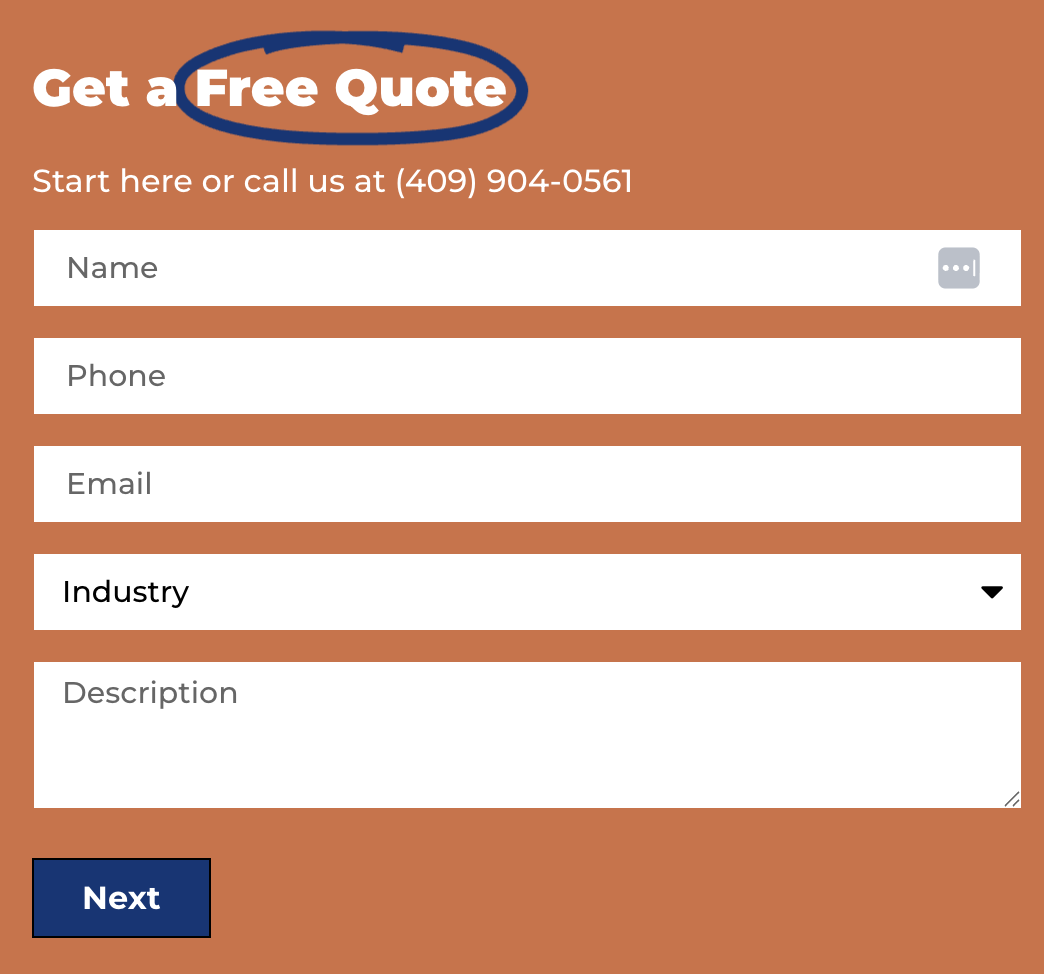
Your customer fills out your form
A homeowner, client, or prospect lands on your website and submits a contact form — just like they already do. Nothing changes on their end.
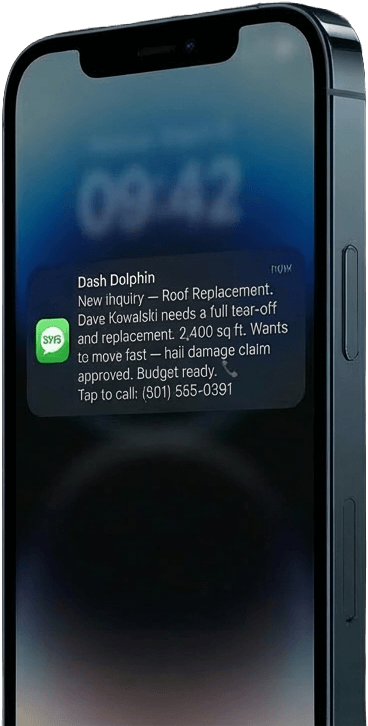
You get a text
The moment someone fills out your form, you get a text summary with their phone number.
No app to open. No dashboard to check. No email to dig through. And if the submission is spam or a bot? Dash Dolphin catches it and never bothers you.
The whole process takes less than 10 seconds.
You respond first and win the job
You tap the phone number. It rings. The customer picks up — and they can’t believe how fast you called.
“I literally just hit submit on your website.” That’s what they’ll say. Every time.
That one moment — the surprise, the professionalism, the speed — does more for your business than any ad, any flyer, or any referral. It tells the customer: this is a business that takes me seriously.
391%
Simple for you. Smart under the hood.
Works with your website. Whatever it's built on.
Website Platforms
Form Builders
Page Builders
Don’t see your platform? It probably still works. If your form sends email notifications, Dash Dolphin can read them. Contact us if you’re not sure.
Still have questions? Good — here are the answers.
Do I need to change my website forms?
No. Your forms stay exactly the same. The only change is adding Dash Dolphin’s email address to your form’s notification settings. Your form still sends you the regular email too.
What if I have multiple forms on my website?
Each form gets its own Dash Dolphin connection. Your contact form can notify you, your estimate request form can notify your sales person, and your emergency form can notify your on-call tech. Different forms, different phone numbers, all managed from one dashboard.
How fast do notifications actually arrive?
Under 10 seconds. In most cases, 3–5 seconds. You’ll hear your phone buzz before the customer has even closed the browser tab.
What information is included in the text message?
Everything the customer typed, summarized into a clean format: their name, what service they need, any details they included, urgency level, and a tap-to-call phone number.
Can I still get email notifications too?
Dash Dolphin solves the speed to lead problem. Your forms will already have an email notification feature. So we just stick to SMS.
What if someone fills out a form at 2 AM?
If you’ve set up after-hours auto-reply, Dash Dolphin automatically texts the customer back with YOUR CUSTOM response. When your schedule starts, then you get a summary.
Ready to see how fast it really is?
Sign up, connect your first form, and get your first customer alert — all in under 5 minutes.