Once you've created your connection and received your notification email address, you can configure your Forminator form to forward submissions to Dash Dolphin.
1. Introduction
This tutorial guides you through setting up email notifications in Forminator to enable instant SMS alerts.
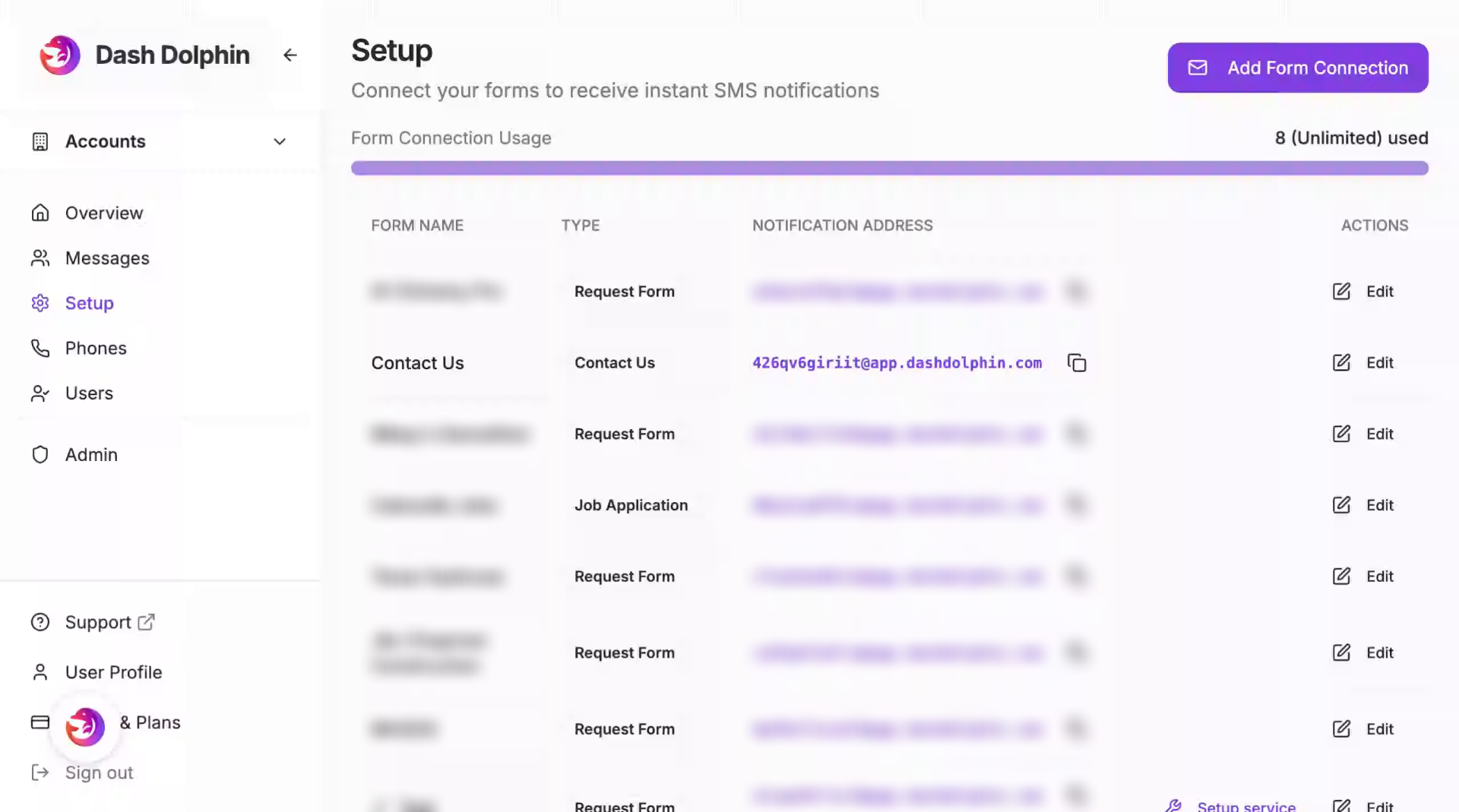
2. Copy Notification Email Address
Copy the notification email address from your Dash Dolphin connection.
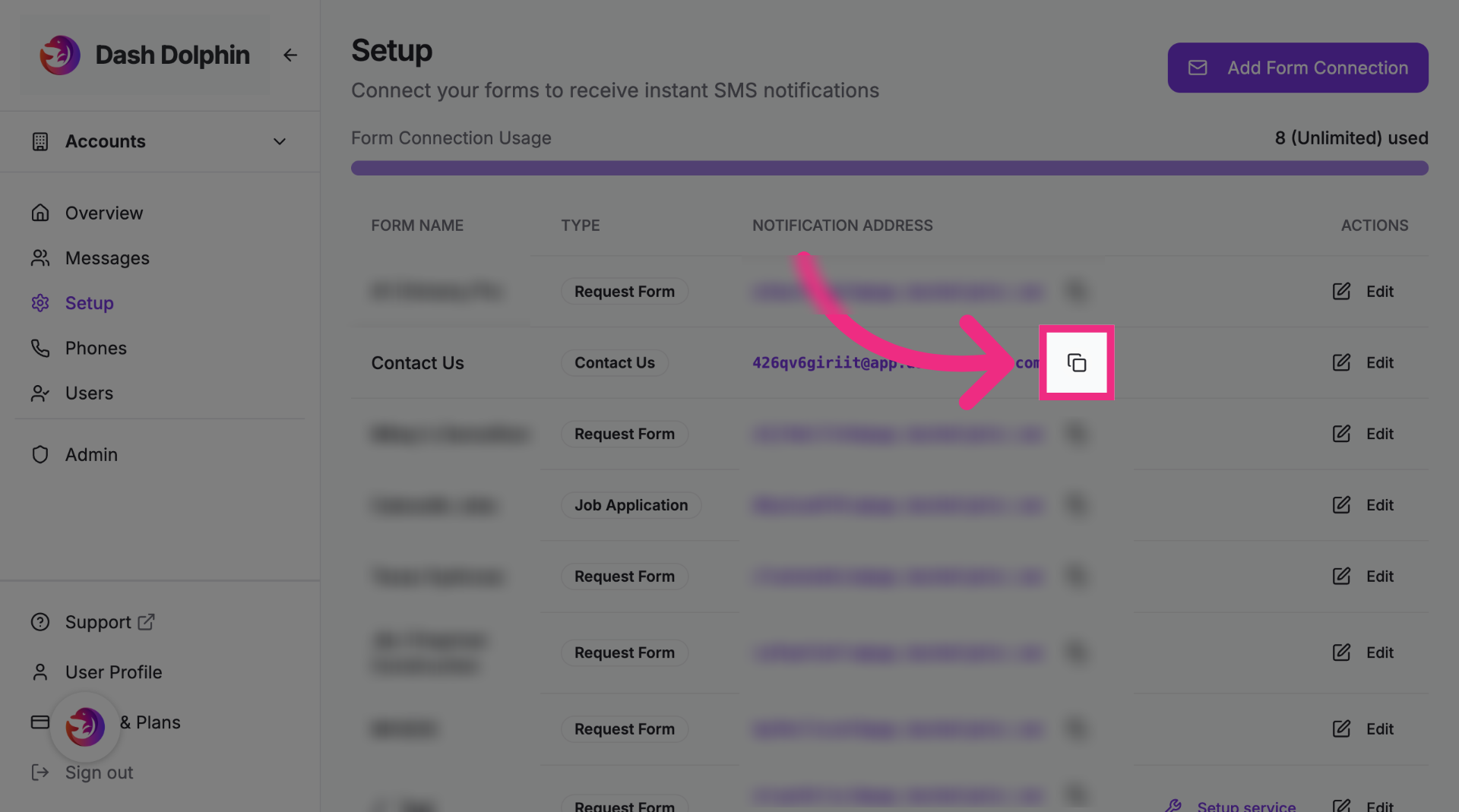
3. Open WordPress Admin
Open your WordPress dashboard.
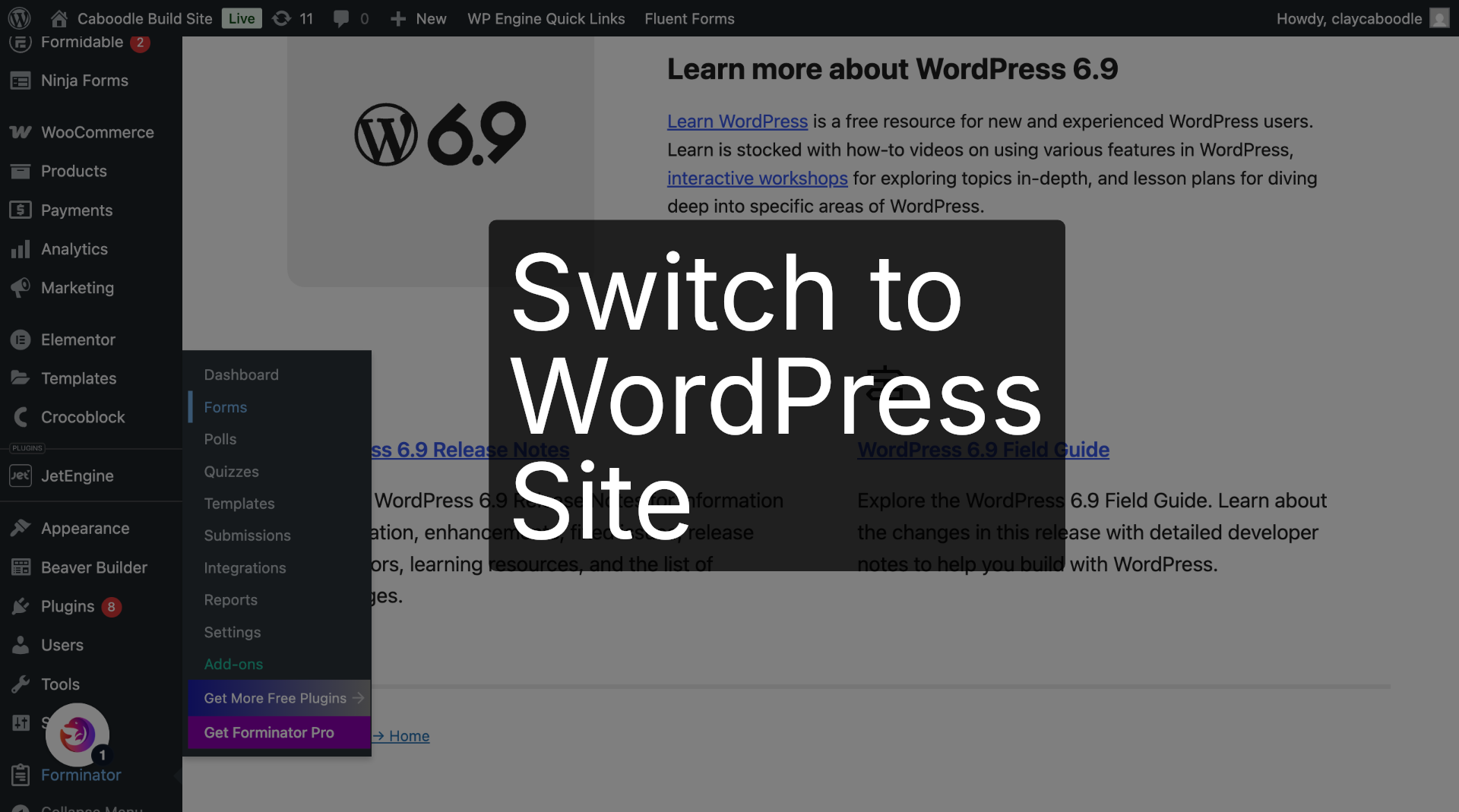
4. Open Forminator
In the sidebar, hover over Forminator.
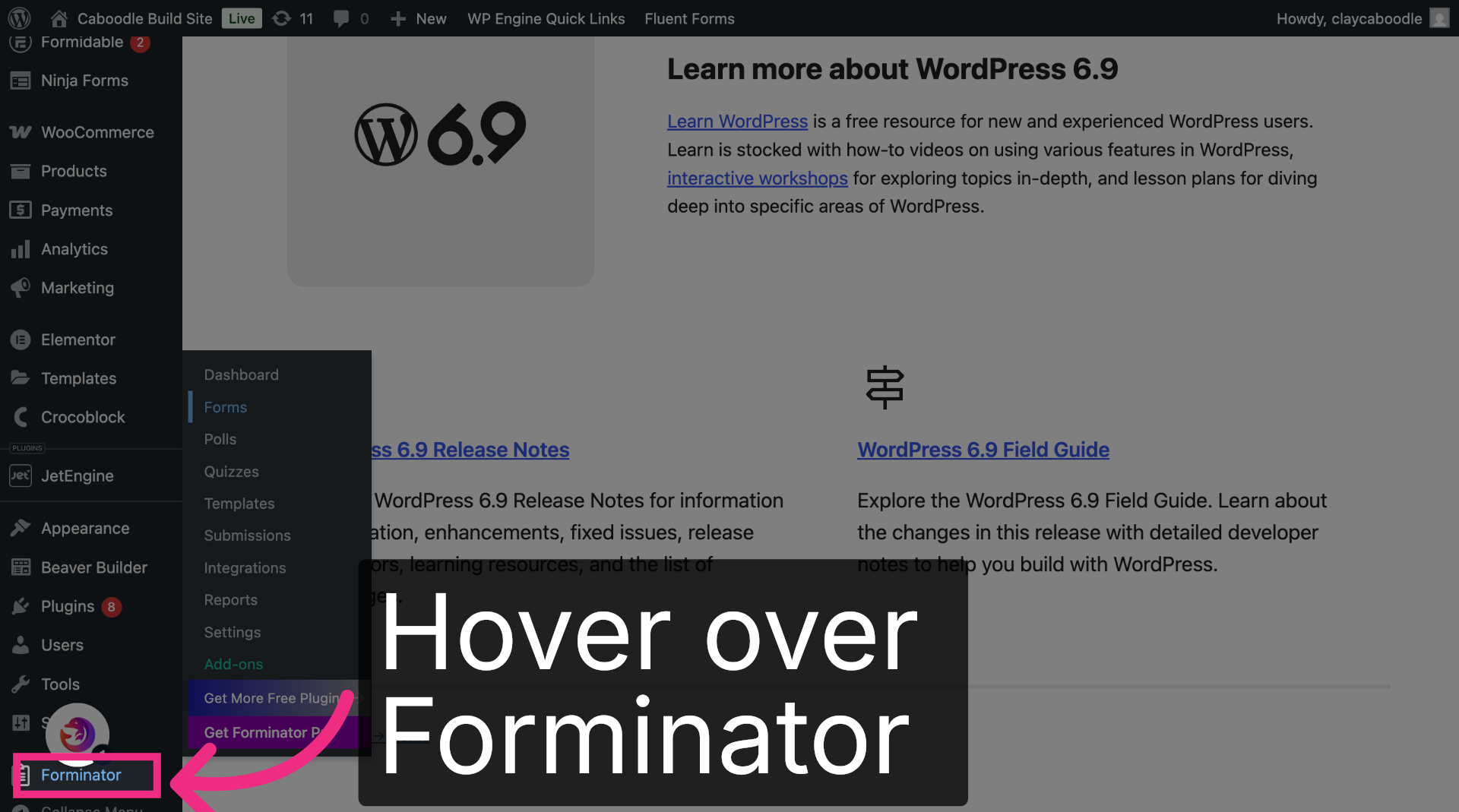
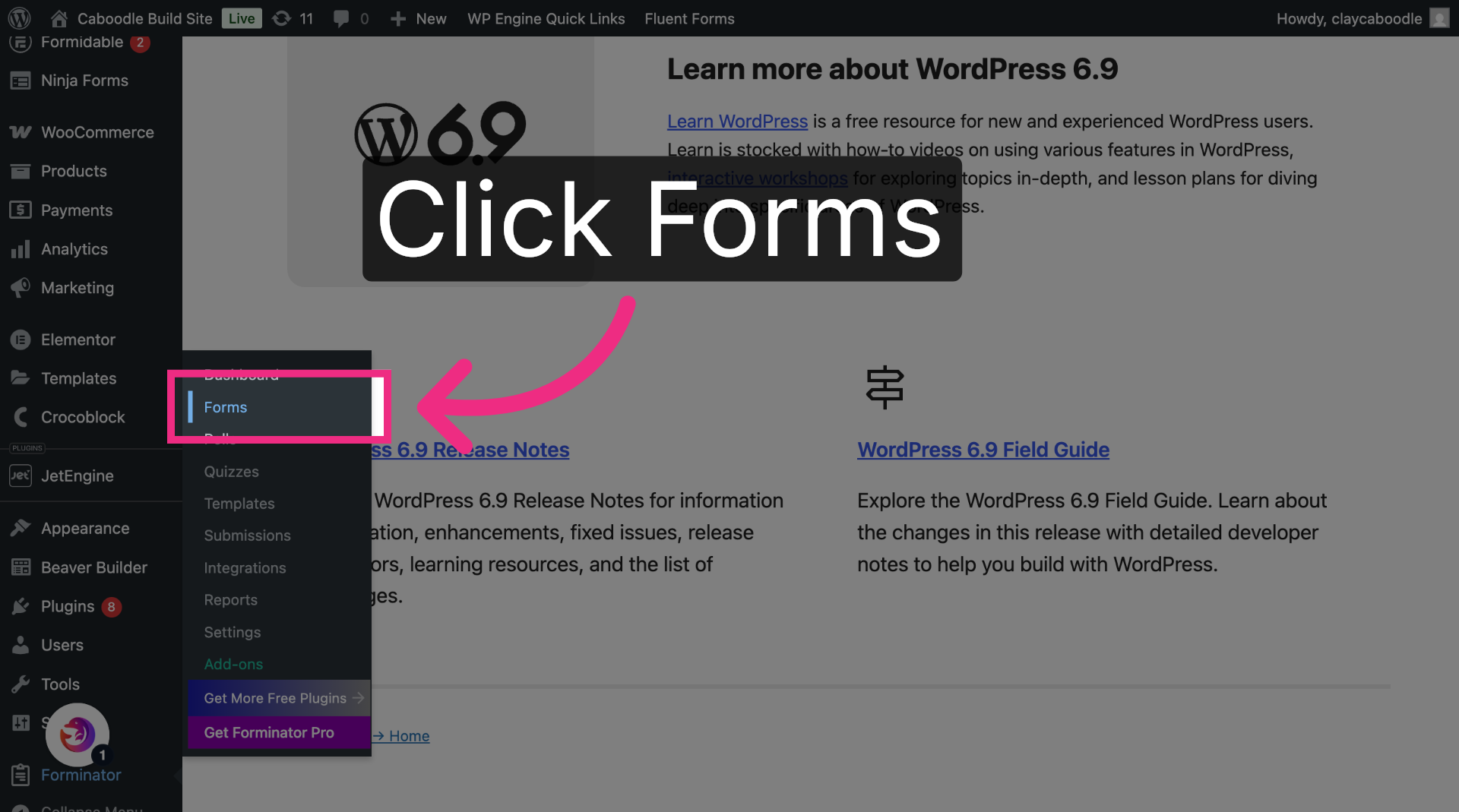
5. Open Forms Section
Click Forms to view the forms on your site.
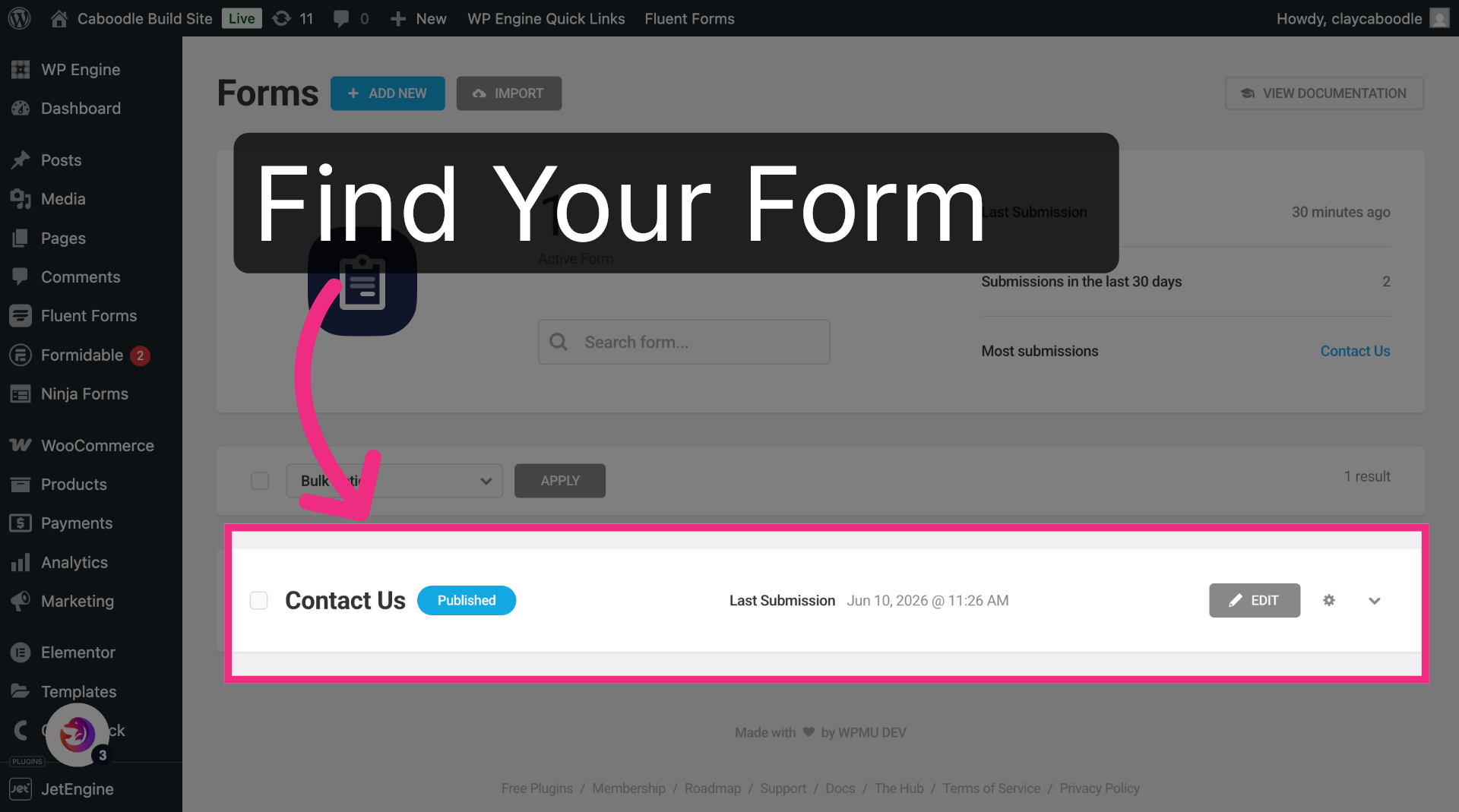
6. Find Your Form
Locate the form you want to connect.
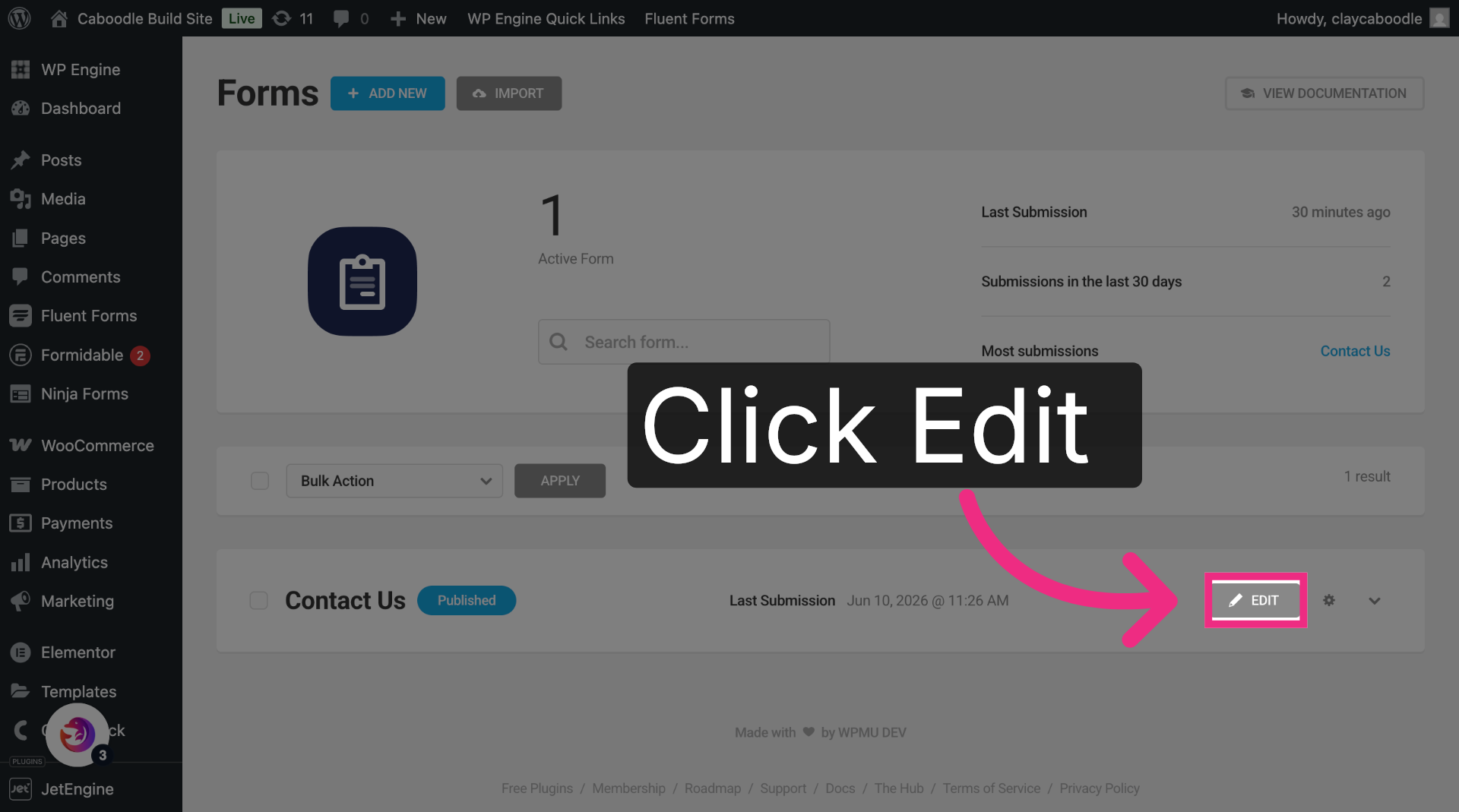
7. Edit Your Form
Click Edit to open the form.
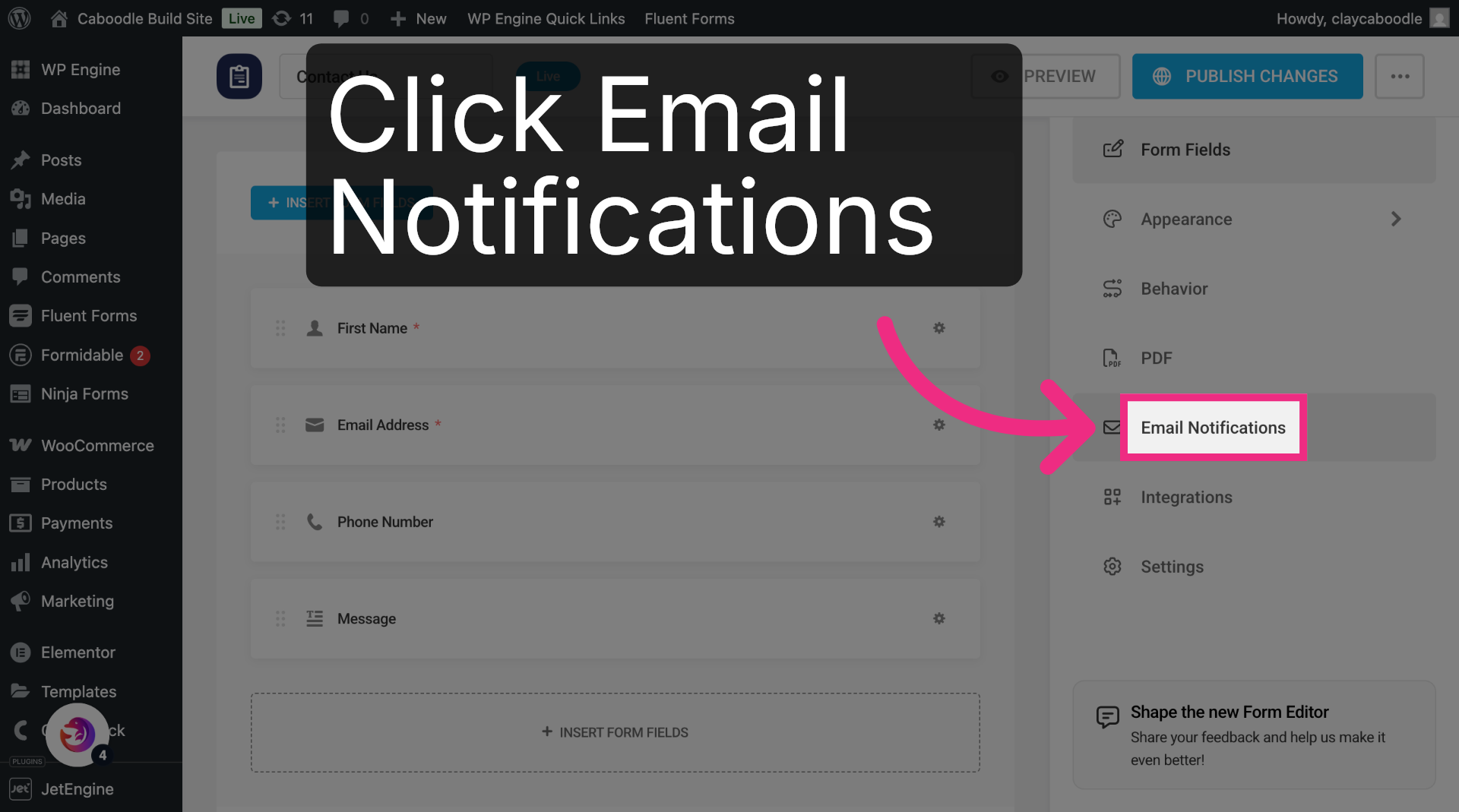
8. Open Email Notifications
Open the Email Notifications tab.
9. Open Notification Settings
Click the gear icon on the admin email notification.
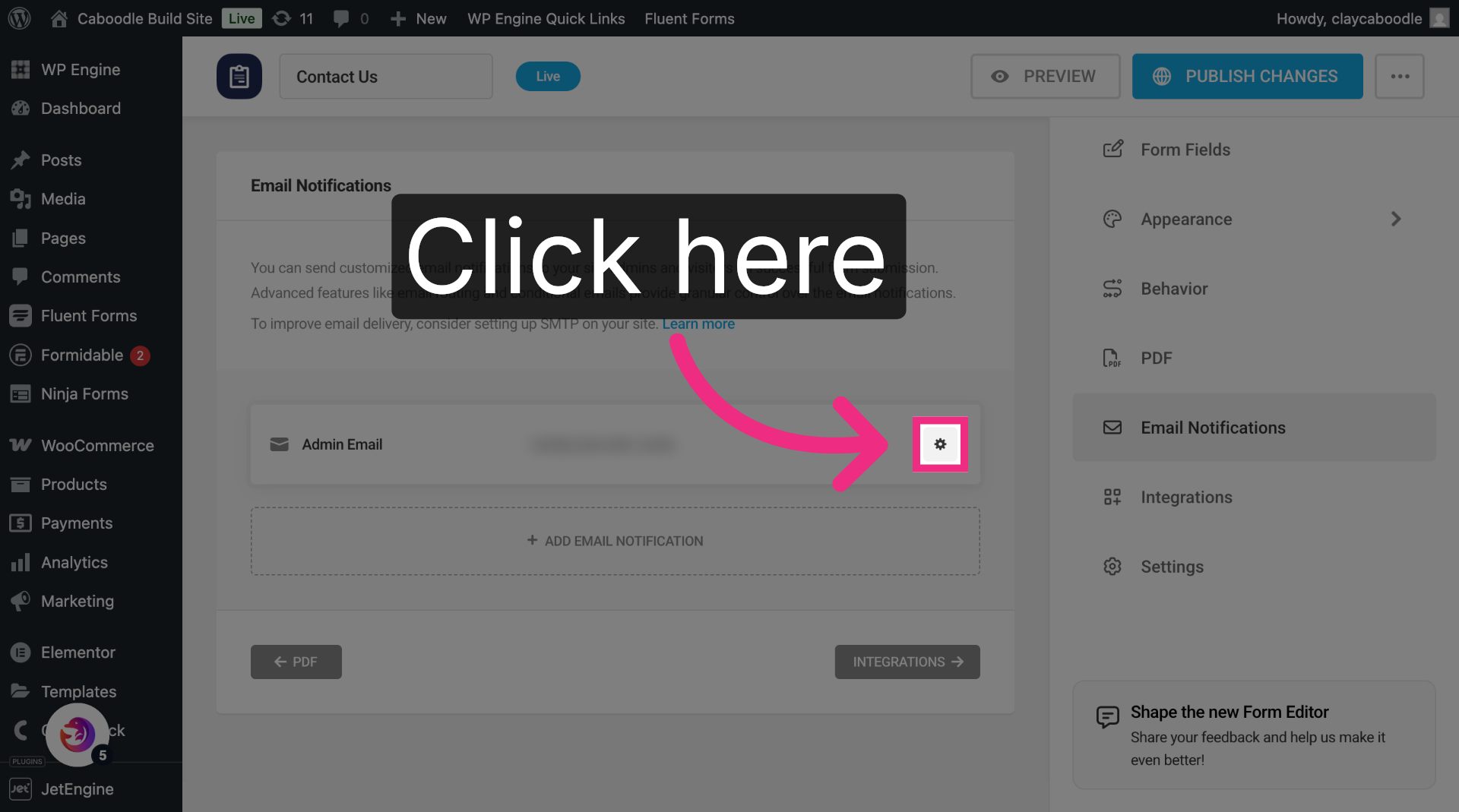
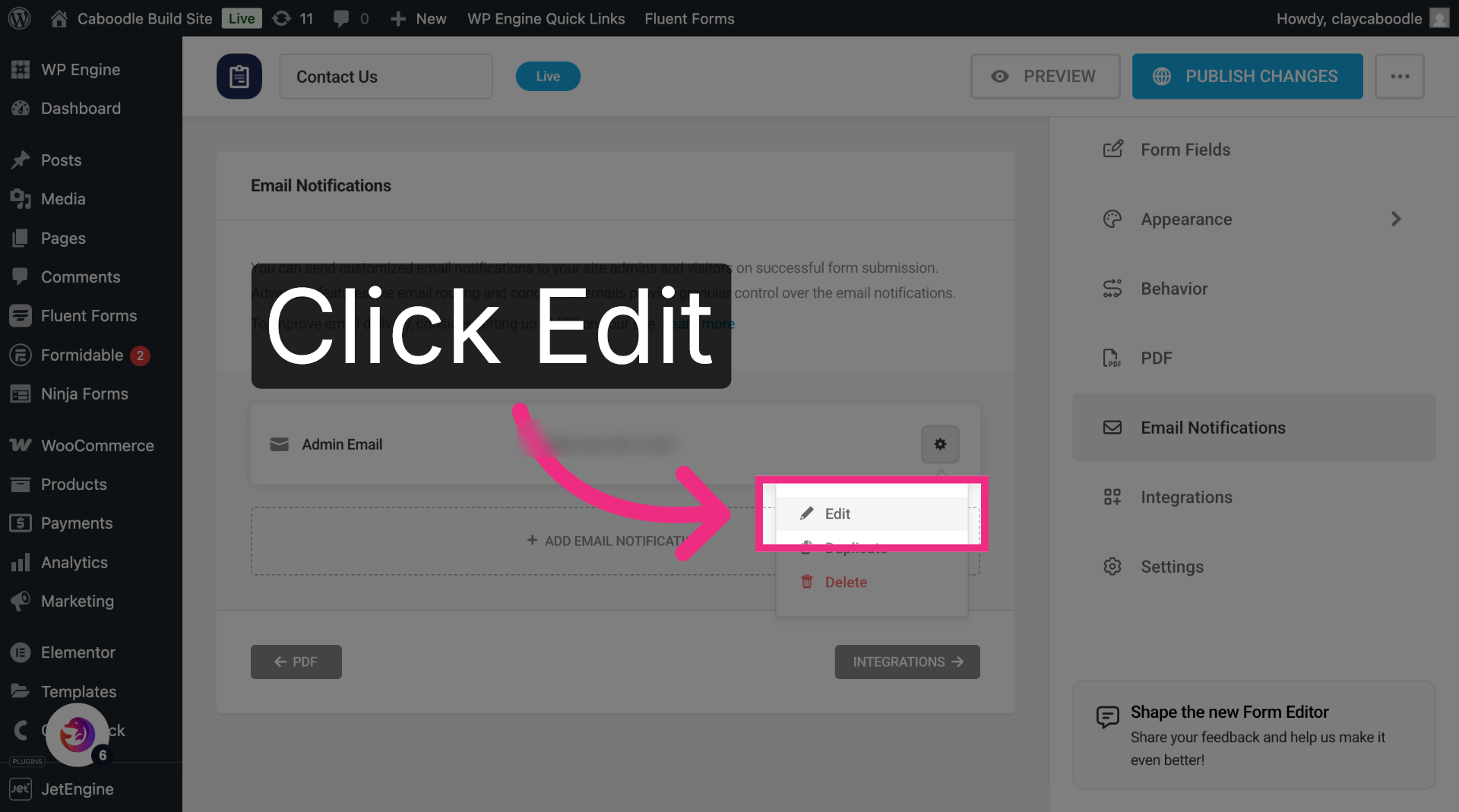
10. Click Edit
Select Edit to open the notification settings.
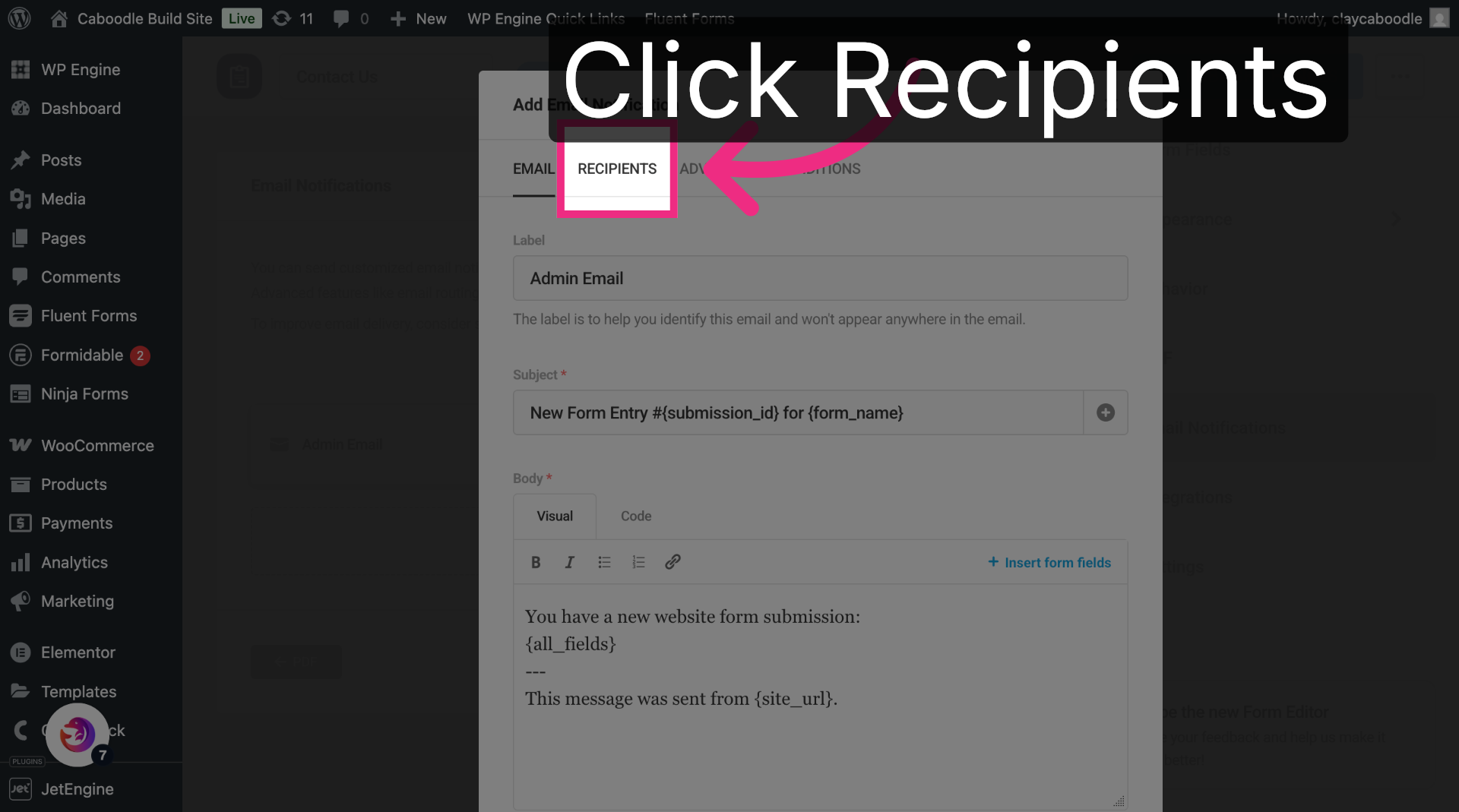
11. Select Recipients Tab
Switch to the Recipients tab.
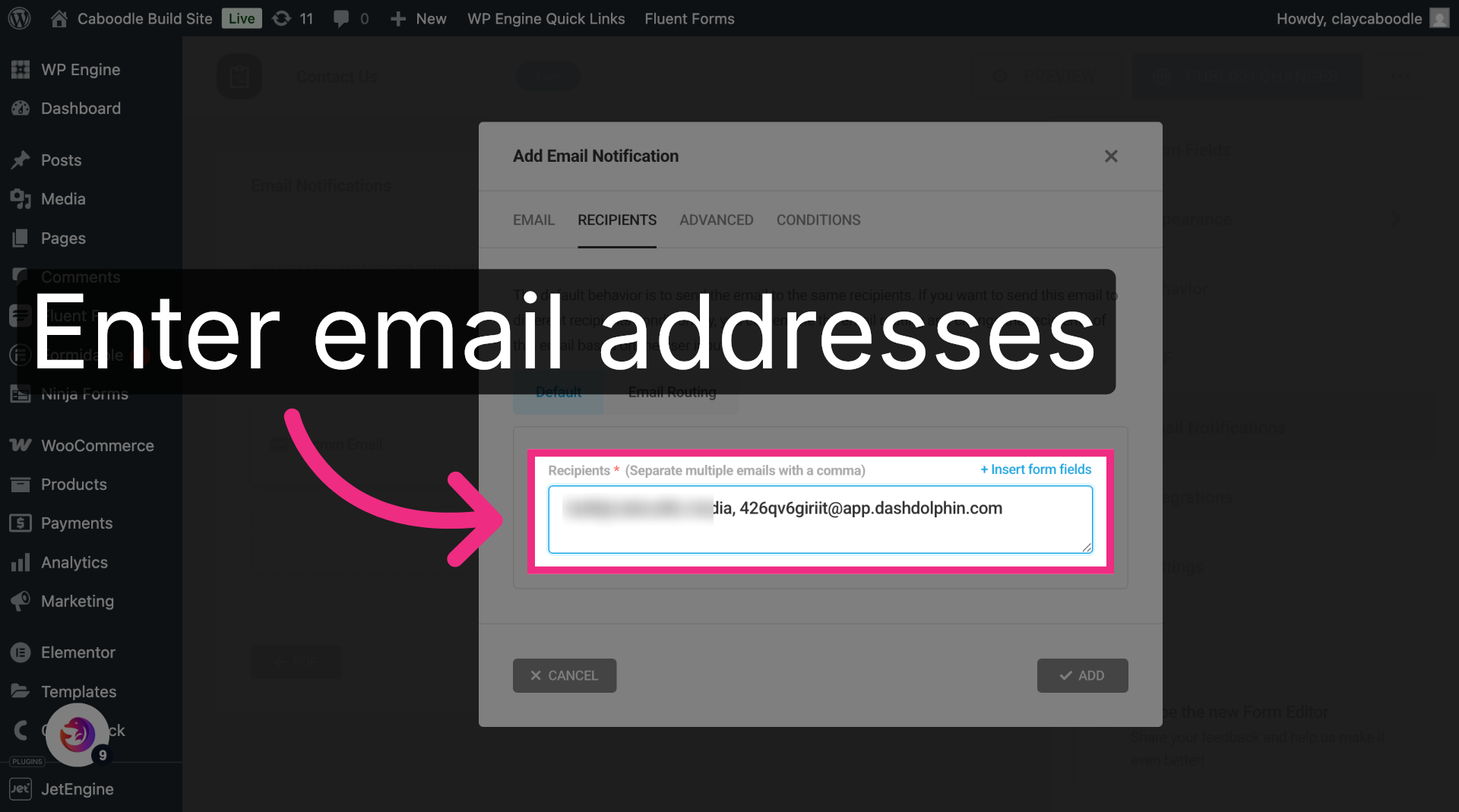
12. Open Recipients Field
Click into the Recipients field.
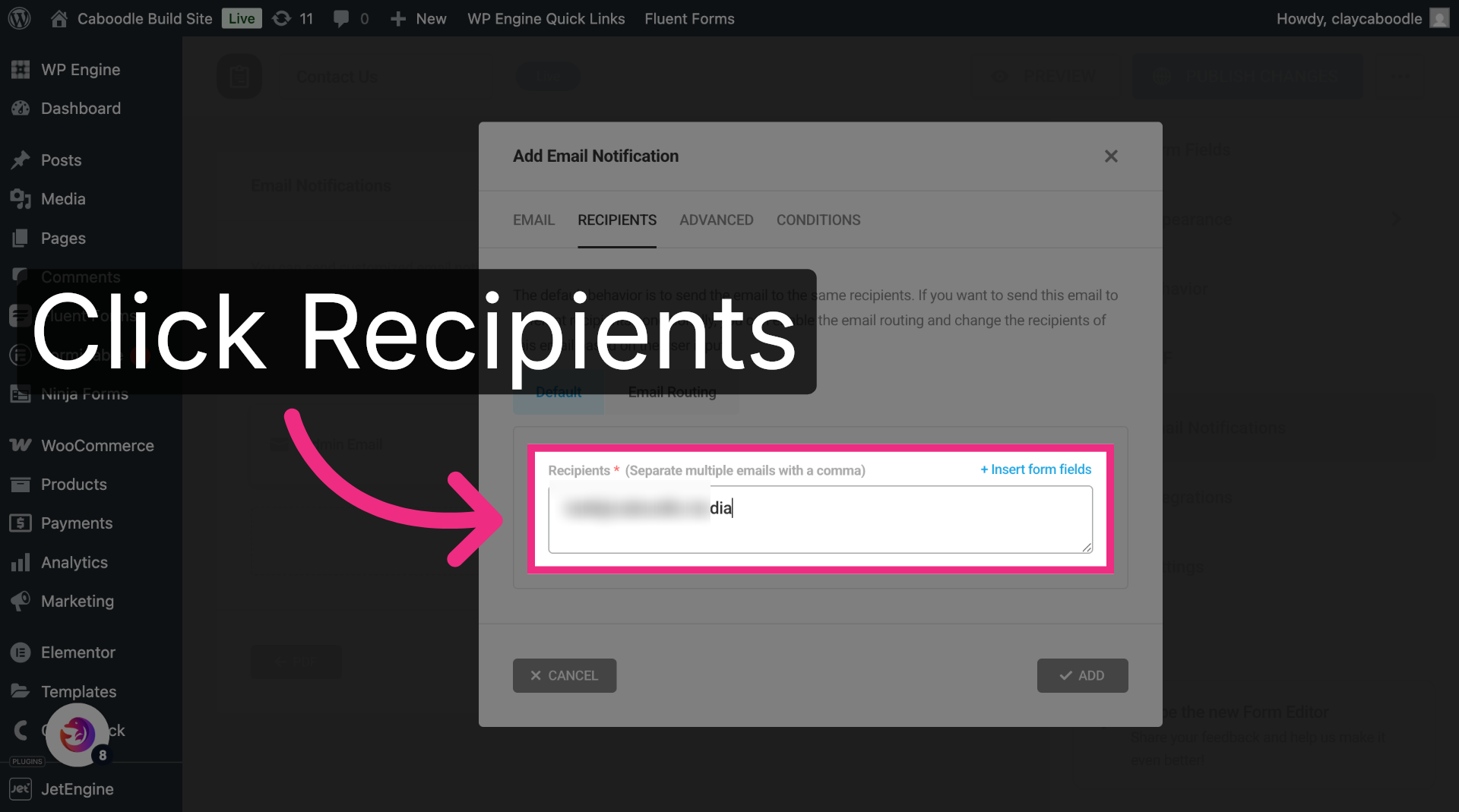
13. Enter Notification Email
After the existing email, add a comma and paste the Dash Dolphin notification email address.
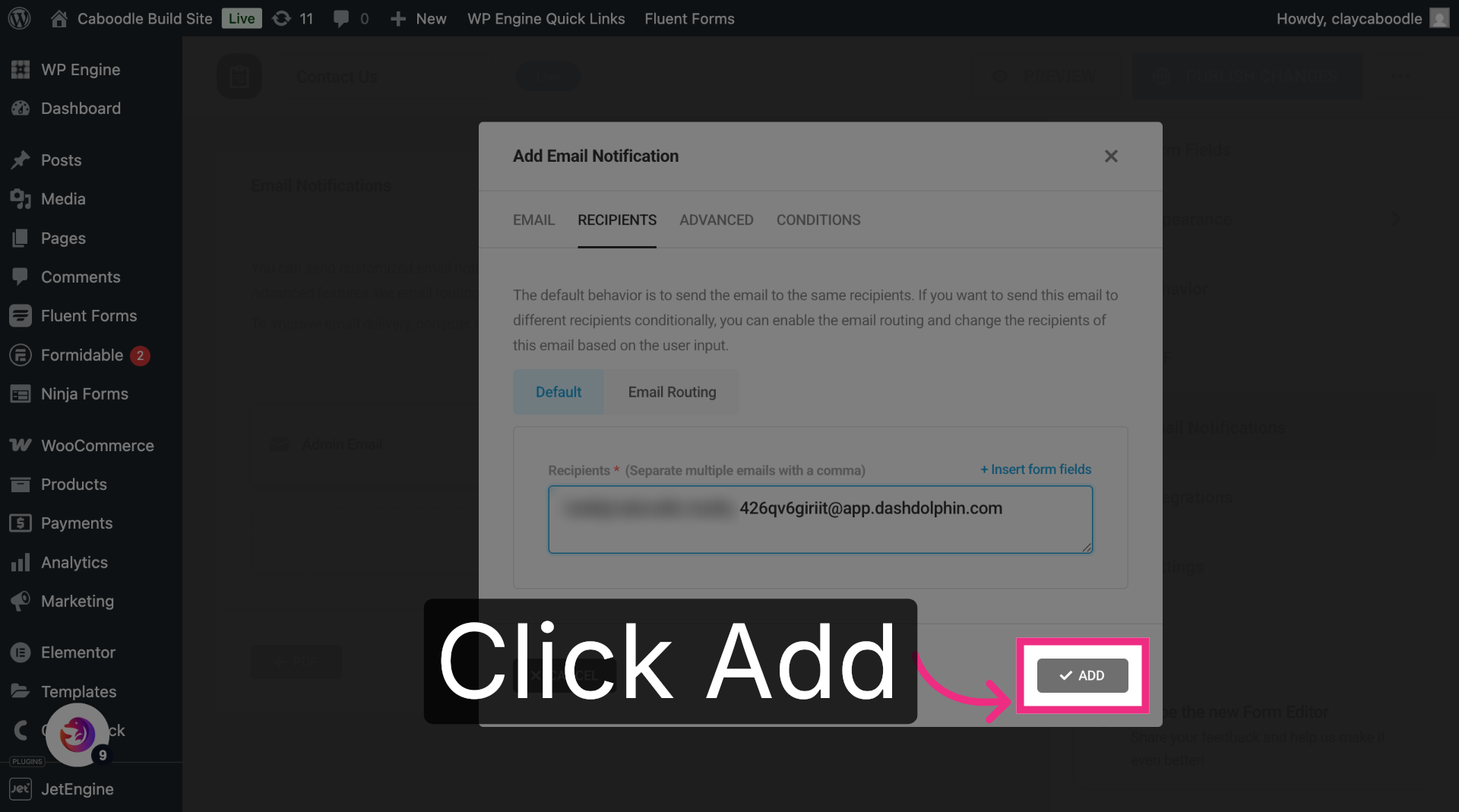
14. Save the Notification
Click Add to save the notification.
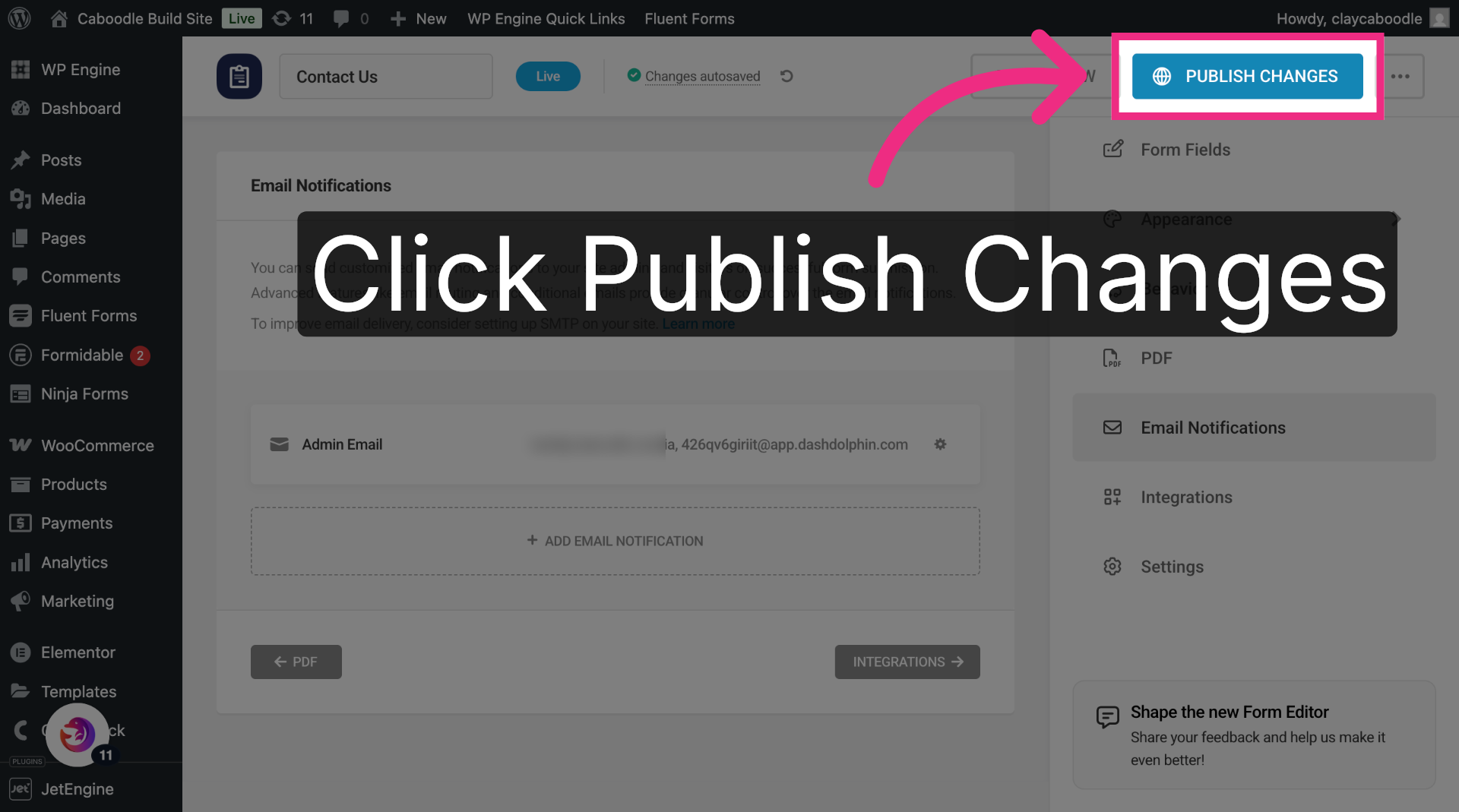
15. Publish Changes
Click Publish Changes to make the update live.
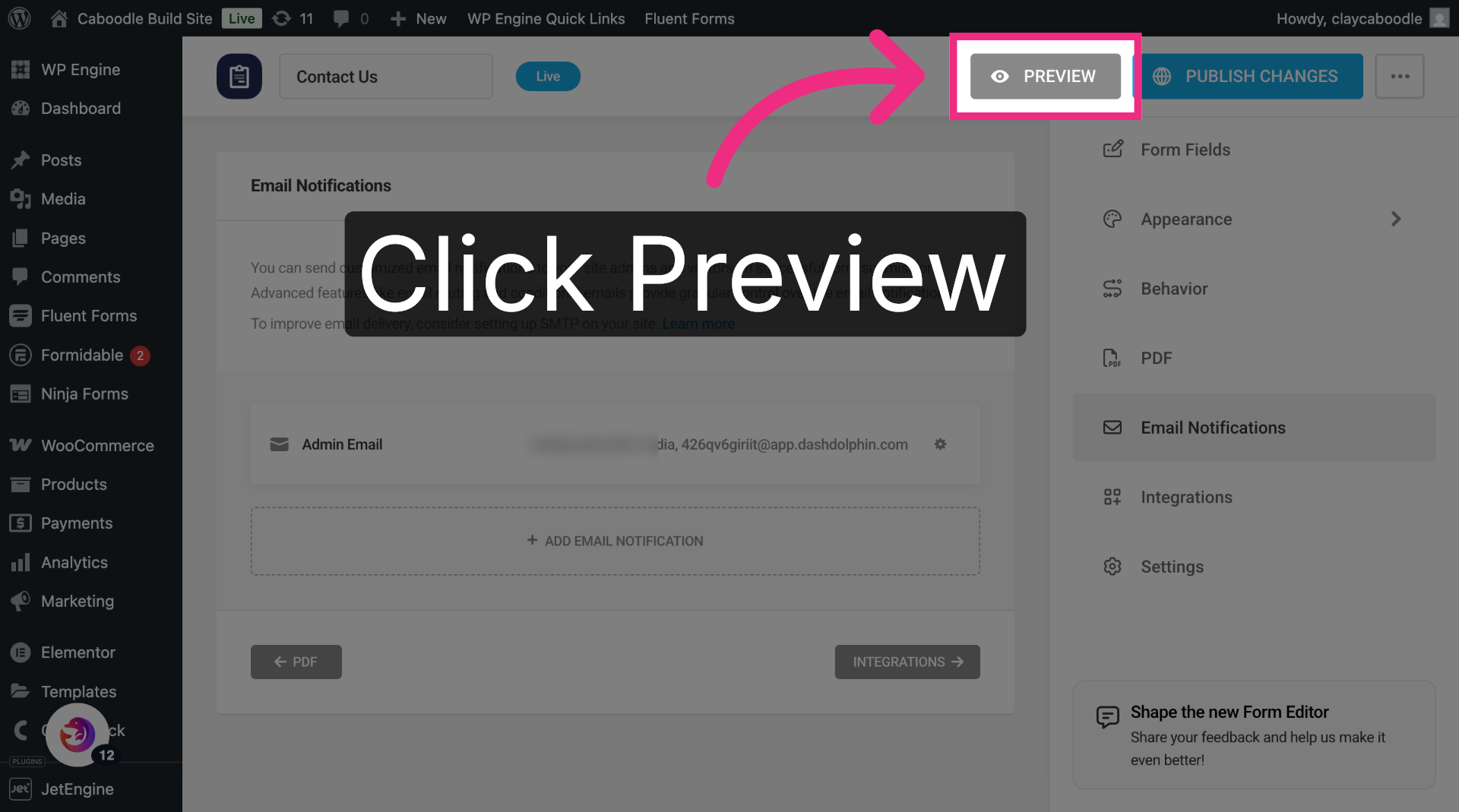
16. Preview Your Form
Preview the form and submit a test entry to confirm SMS delivery.
You have successfully configured your Forminator form to send notification emails to Dash Dolphin, enabling instant SMS alerts. Test the setup by submitting a form and verifying the SMS notification delivery.
